Setting Your Preferred Student Email Address
Follow these steps to update your default email profile designation to your @jjay.cuny.edu address within CUNYfirst.
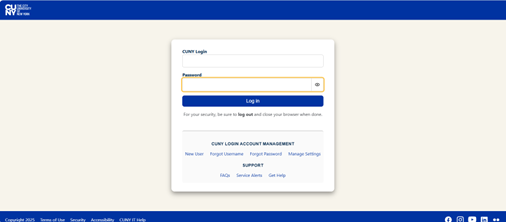
Log in to CUNYfirst Portal
Navigate to the main log in page and enter your credentials to open your user dashboard.
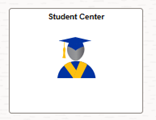
Access the Student Center
Locate and click on the Student Center tile on your homepage interface.
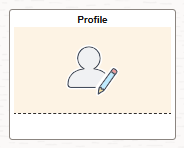
Open Profile & View Contact Details
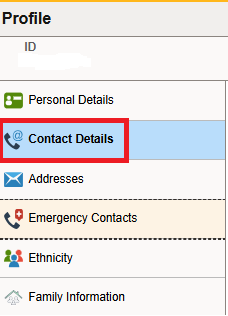
Click your profile picture option, then select the Contact Details link on the left sidebar.
Select Campus Email & Assign Preferred Status
Locate your Campus email. Click the arrow icon next to it and select your @jjay.cuny.edu email address in the drop-down list.

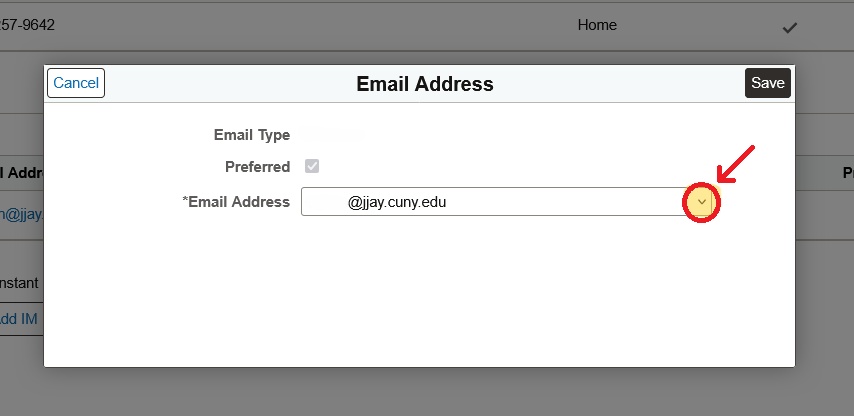
Save New Configurations
Click Save.
For additional information, refer to the CUNY technical document:
https://cunyithelp.cuny.edu/csp?id=kb_article&sysparm_article=KB0014292
Important System Propagation Delay
Please note that it will take up to 24 business hours for this configuration adjustment to correctly distribute throughout all secondary associated college database networks.
Faculty, Staff, and Employee Procedures
If you are a faculty or staff member who is also enrolled as a student, update your preferred email through the Employee Center:
- Log in to CUNYfirst.
- Select the Employee Self-Service homepage.
- Click Personal Details.
- Click Contact Details.
- In the Email section, click the arrow next to the Business or Campus email type.
- Select your @jjay.cuny.edu email address from the drop-down list.
- Click Save.
Employees who are enrolled in courses or participating in academic programs may designate their Campus email address as preferred.
For additional information, refer to the CUNY technical document:
https://cunyithelp.cuny.edu/csp?id=kb_article&sysparm_article=KB0014292